
8 approved hours have no invoice line
The worker, client, location, approval, and correct bill rate are included.
How BluContract works
BluContract matches hours, client approvals, bill rates, overtime, and invoice lines for every shift.
Bring together time, approvals, invoice records, and rates.
Compare the same worker, client, location, date, and hours across each record.
Check client approvals, bill rates, overtime, and shift premiums.
Explain what is missing or wrong and which team should fix it.
Keep the problem open until it is corrected, approved, or invoiced.
What your team sees
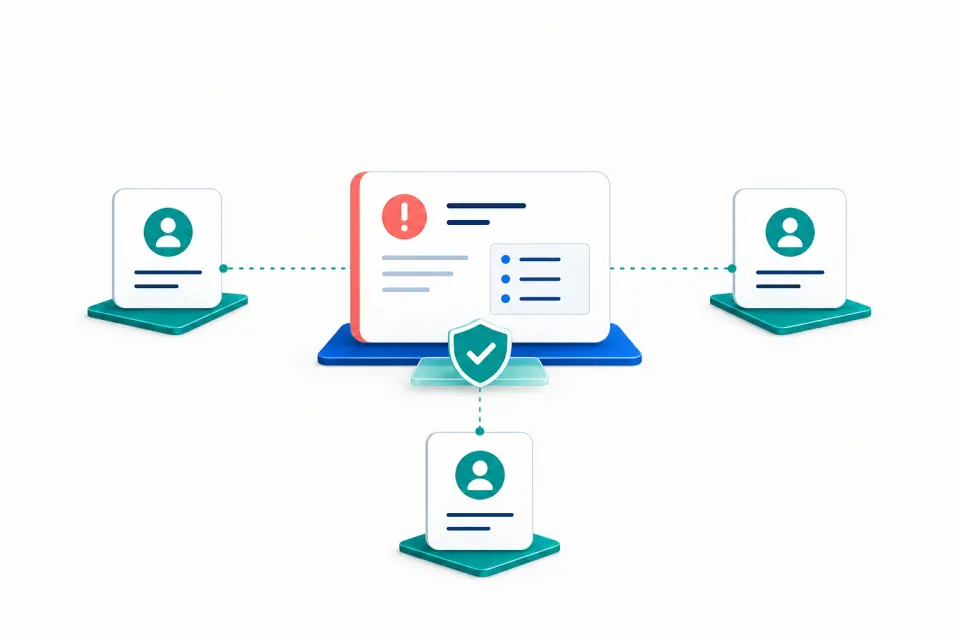
The worker, client, location, approval, and correct bill rate are included.
The shift should include the premium for that date.
Both source time records are shown together for review.
Start small
Start with one client, one common problem, or one invoice cycle. Add more checks after the first result.
Start with one invoice cycle
Tell us where your billing team spends the most time checking timesheets, approvals, and bill rates.