
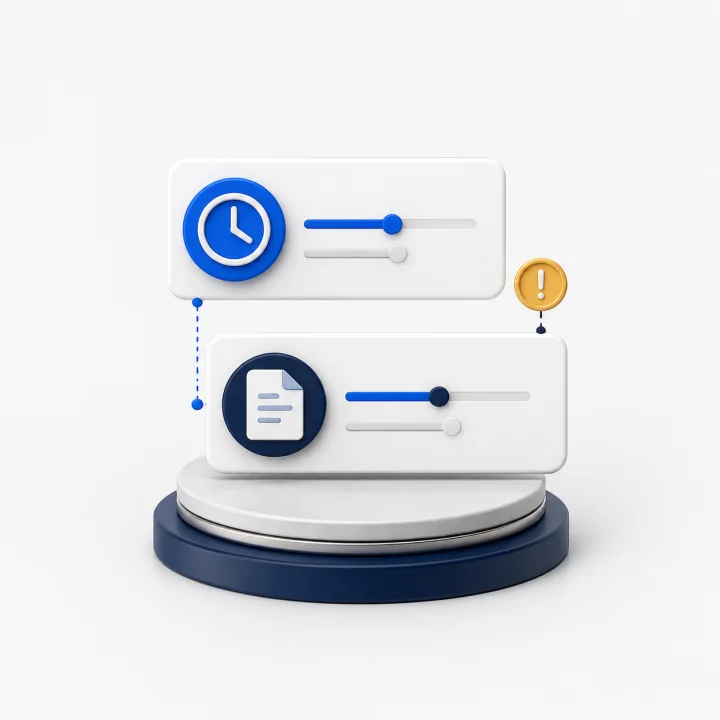
Timesheets do not match
The worker, client, location, hours, or approval can be different in each system.
Invoice revenue checks for staffing companies
Complex timesheets, multiple locations, different billing rules, missing approvals, and wrong rates make revenue easy to lose. BluContract finds the gaps before you invoice.
Built for staffing companies with complex hourly invoices.
Where revenue gets lost
Timesheets, approvals, bill rates, overtime, and invoice lines often live in different systems. One missing or wrong record can reduce the invoice.
The worker, client, location, hours, or approval can be different in each system.

Bill rates, overtime, and shift premiums can change by client, location, job, and shift.
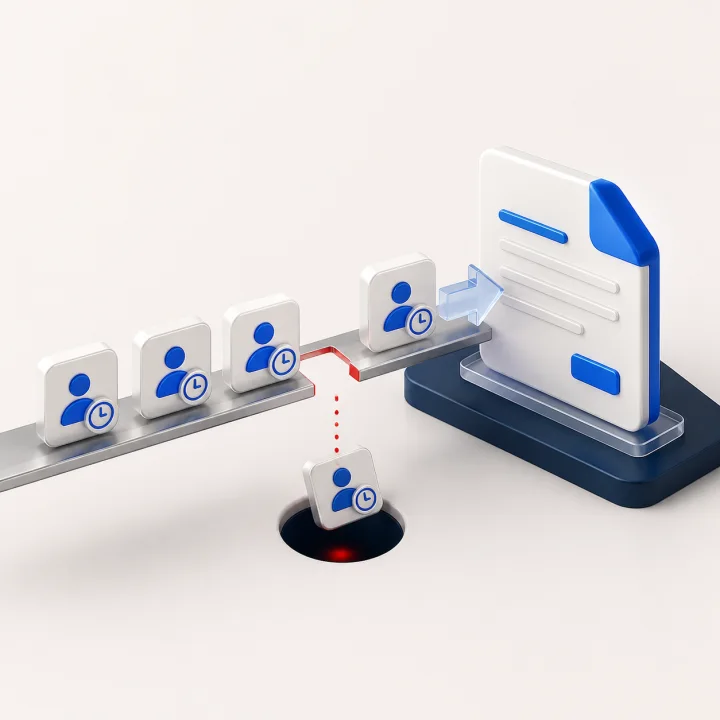
A missing approval, wrong bill rate, or bad invoice line can leave paid work unbilled.
What BluContract checks
BluContract checks each shift from timesheet to invoice and shows the exact record your team needs to fix.
See the product
Find paid or approved hours that were never billed

Find bill rates that do not match the client agreement

Find worked time that still needs approval

Check overtime and shift premiums before invoicing

Find repeated or overlapping shifts before they reach an invoice

See where the wrong client or location rule was used
Three ways revenue gets lost
Find missing hours, late approvals, and wrong billing rules before the invoice goes out.

Invoice completeness
Find paid or approved hours missing from an invoice.
Learn more →
Invoice timing
See missing approvals, records, and calculations before the deadline.
Learn more →
Bill rates & rules
Check bill rates, overtime, shift premiums, and client rules.
Learn more →Industries we serve
BluContract is strongest when every week brings many workers, timesheets, locations, approvals, bill rates, and invoice deadlines.

Best fit today
You manage many hourly workers across warehouses, plants, food processing, packaging, logistics, and distribution sites.

Strong fit
You fill changing shifts across hotels, venues, catering, and events where last-minute changes can delay invoices or create calculation errors.

Complex staffing
You manage day, night, weekend, on-call, and call-back work across facilities with different bill rates and billing rules.
Questions staffing teams ask
It often starts with paid or approved hours left off an invoice, a late timesheet or approval, an old bill rate, or missed overtime. BluContract shows the exact shift and record causing the problem.
BluContract compares worked hours, client approvals, bill rates, overtime, shift premiums, and invoice lines. It shows what is missing, wrong, duplicated, or still blocking the invoice.
BluContract marks the shift as not ready to invoice and shows which record is missing, so your team knows what to chase before the invoice deadline.
Yes. BluContract checks the rule for each shift, including client bill rates, locations, jobs, overtime, weekends, holidays, and shift premiums.
No. Keep the systems you already use. BluContract compares their records and checks the inputs and calculations before the invoice is sent.
Yes. BluContract keeps the time, approval, rate, calculation, and invoice records behind each issue together for review.
Not in the current launch. BluContract focuses on getting complete, accurate invoices ready and sent on time. Your current accounting or collections process still handles payment follow-up.
BluContract is built for staffing companies with hourly workers, weekly, biweekly, or monthly invoices, many clients or locations, and different bill rates, overtime rules, or shift premiums.
Start with one invoice cycle
Show us your timesheets, client approvals, bill rates, and invoice process. We’ll show you where paid hours can get lost.