
Missing approval
The work is complete, but the client approval needed for invoicing is missing.
Invoice timing
BluContract shows which shifts are ready and which timesheets, approvals, bill rates, or rules are still missing.
The problem
Many workers, locations, shift changes, and late client approvals make it hard to know what is ready to bill.
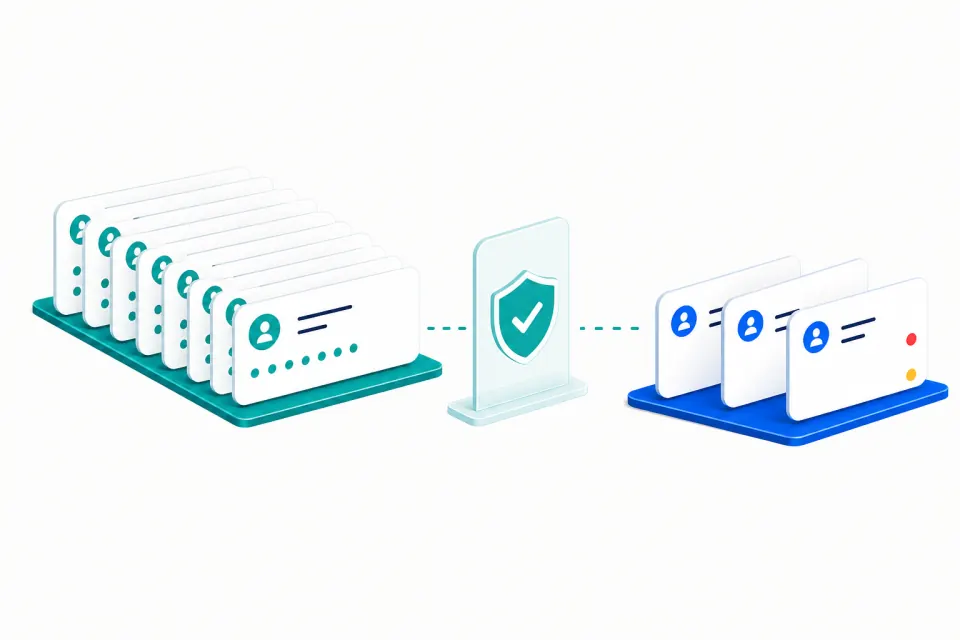
The work is complete, but the client approval needed for invoicing is missing.
The client bill rate, overtime rule, or shift premium is missing.
Hours and records exist, but the invoice amount still needs review.
What BluContract checks
BluContract gives your team a short list of the records holding up an invoice.
See approved shifts with the records and calculations needed for invoicing.
Find worked time that still needs client approval.
Find expected work that never reached the time record.
Find shifts linked to the wrong client, location, job, or department.
Check that each client billing rule is ready before invoicing.
Show the records behind each invoice blocker together.
How it works
Bring timesheets, approvals, bill rates, rules, and invoice lines together.
Check each shift for the approval, bill rate, and billing rule it needs.
Send each missing record or calculation to the person who can fix it.
Common questions
The hours, client approval, bill rate, overtime, shift premium, and client details must all be present and correct.
No. BluContract checks what is ready and what needs fixing. Your current invoice software still creates and sends the invoice.
Yes. It uses the client, location, job, worker, and shift to check which approval, bill rate, and rule apply.
Start with one invoice cycle
Show us one invoice cycle. We’ll show you the missing records your team needs to fix.